How to Choose Family Photos for a Portrait
By The Heirloom Portrait. Reviewed by our portrait team. Published September 21, 2026.
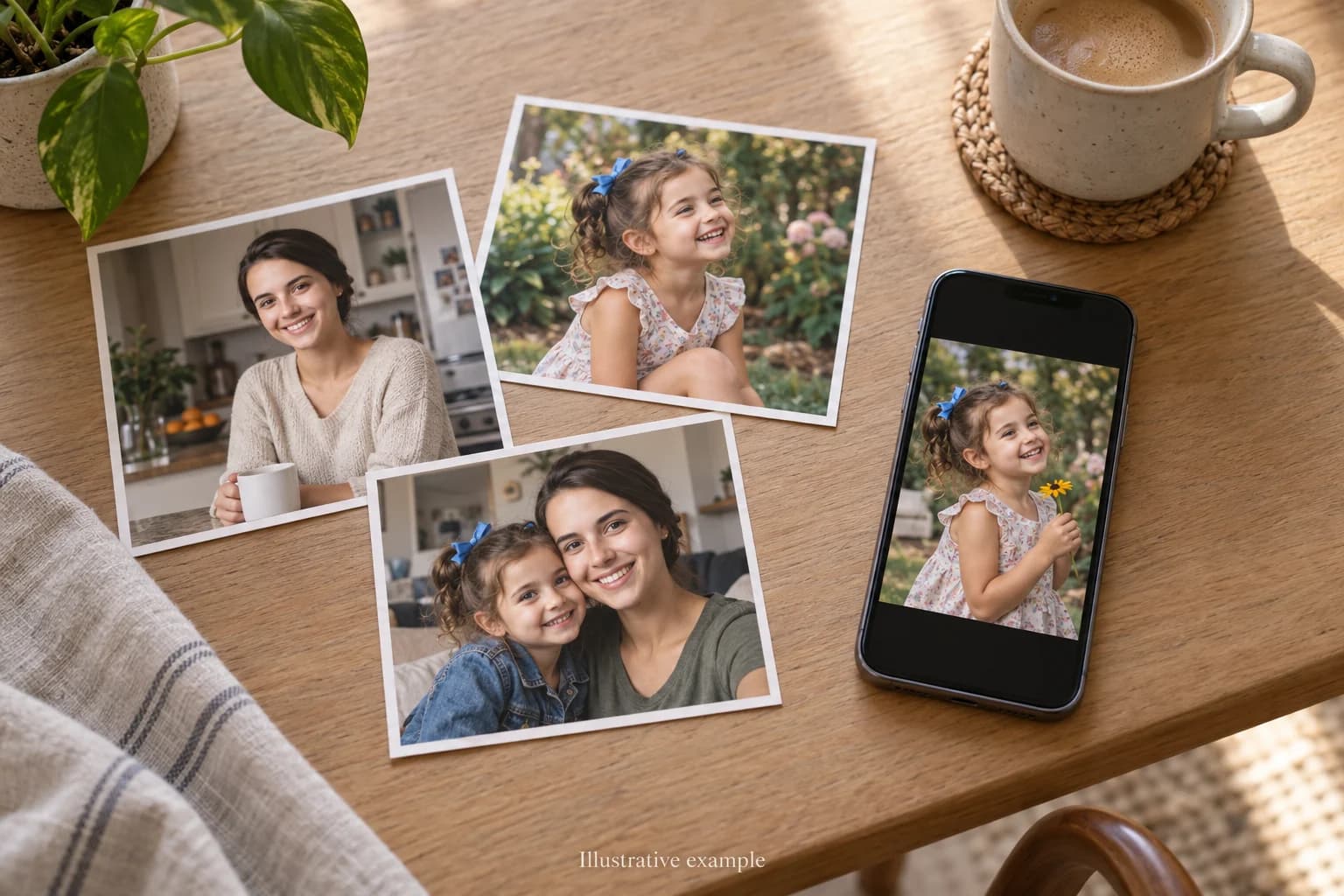
Choose the photographs that best preserve each person's face and expression. The family does not need to be together, the pose does not need to be formal, and the clothing and background do not need to match. The free preview can improve the pose, clothing, background, and composition before you order.
Preview a family portrait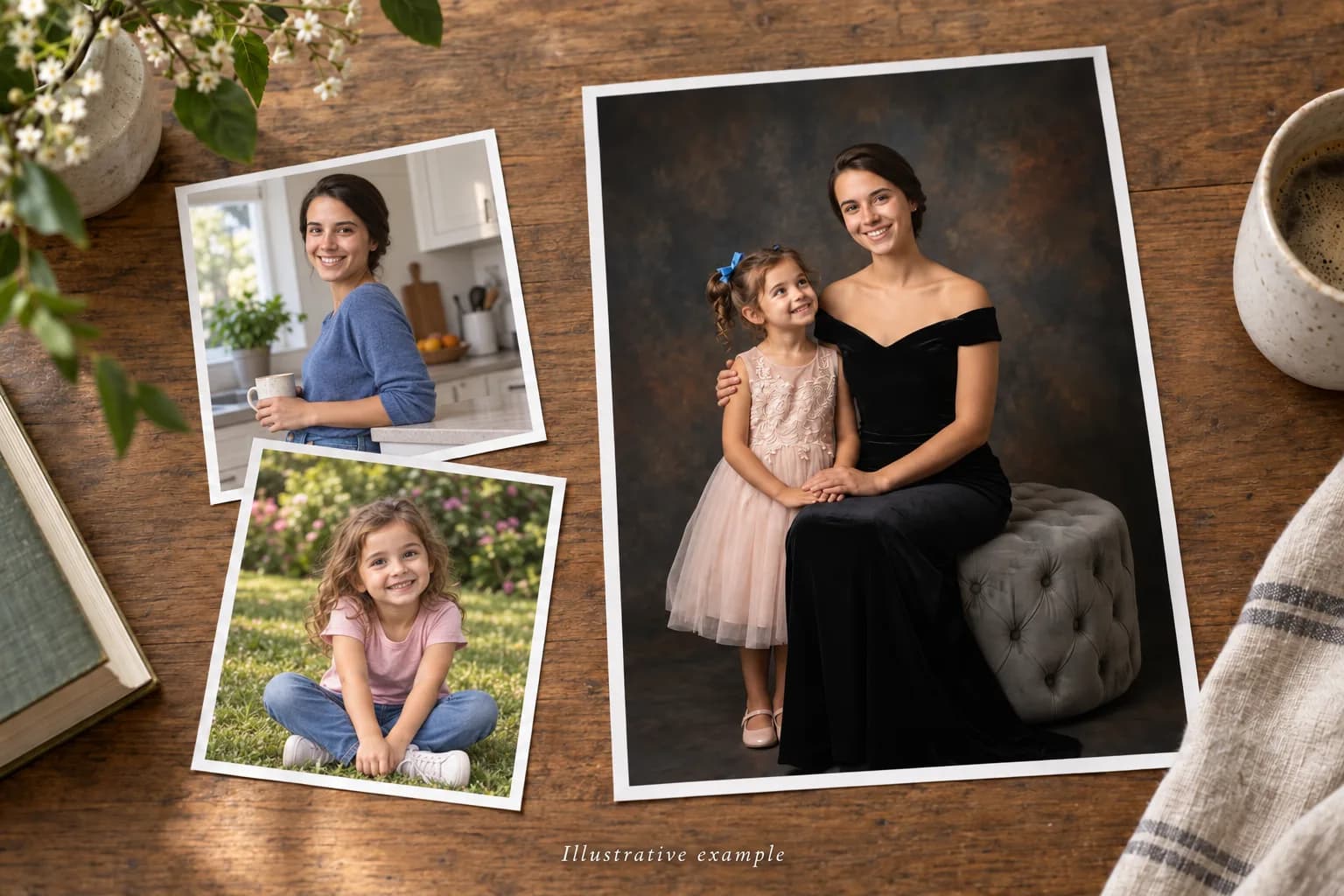
Start with the faces you know best
The most useful family photograph is not always the most polished one. It is the photograph where a familiar expression comes through: the half-smile your child makes when they are trying not to laugh, the way a grandparent looks toward the people beside them, or the calm gaze everyone recognizes at once.
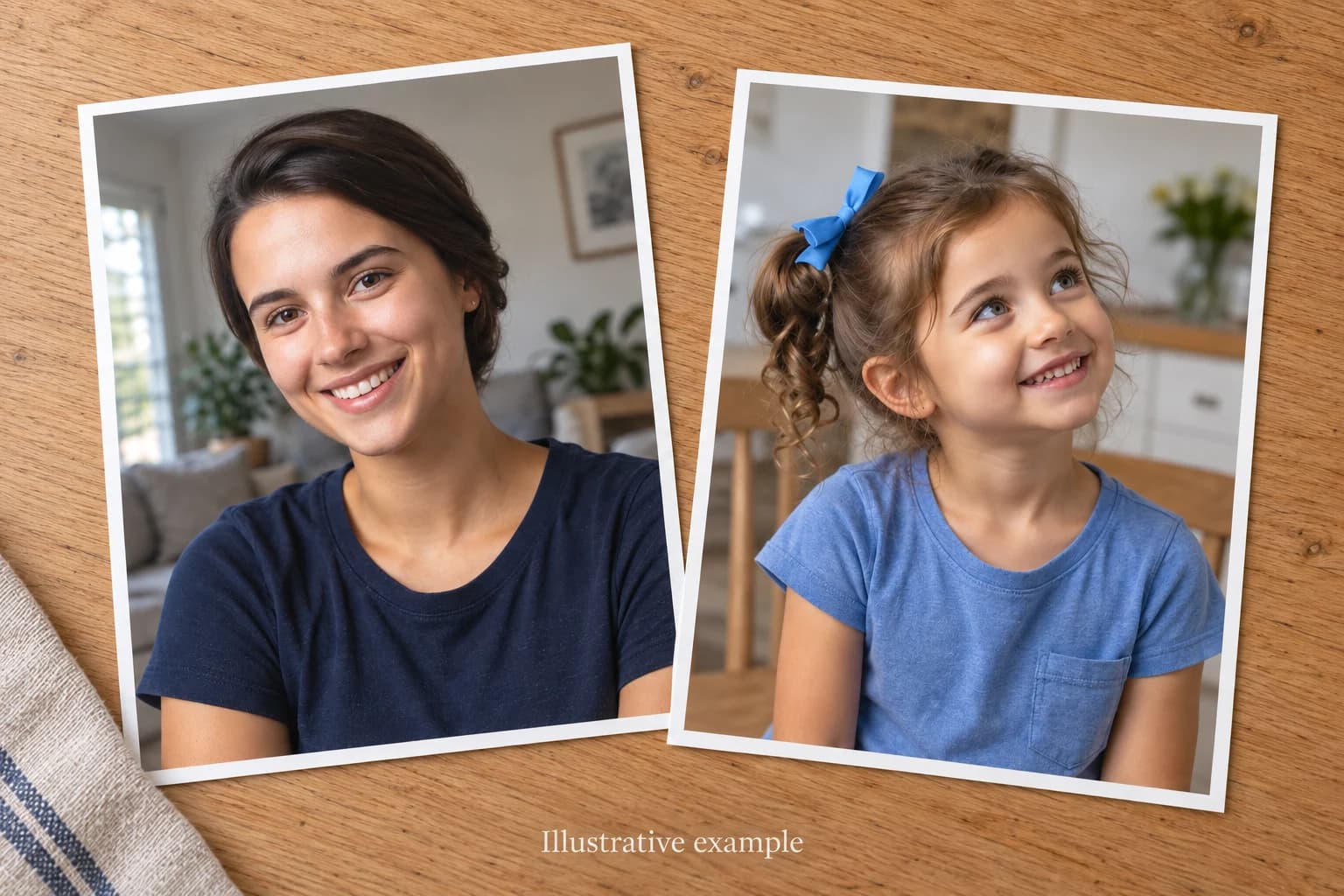
Look for a clear view of the face, especially the eyes, mouth, hairline, and any features that make the person unmistakably themselves. A phone photograph can work well when the person fills enough of the frame to preserve those details. Use the original file when possible, since screenshots and images saved from social media often contain less detail.
Do not discard a favorite photograph because the room is untidy, the crop is casual, or the outfit is not what you would choose for the wall. Those are presentation choices. The expression and likeness are the part the photograph needs to carry.
Photo selection checklist
- The eyes, mouth, hairline, and characteristic features are visible.
- The face is large enough to inspect without relying on a screenshot.
- The expression feels familiar to the people who know them.
- The original file or a flat, glare-free scan is available.
- A second reference is included when the favorite photograph hides useful detail.
Can you create a family portrait from separate photos?
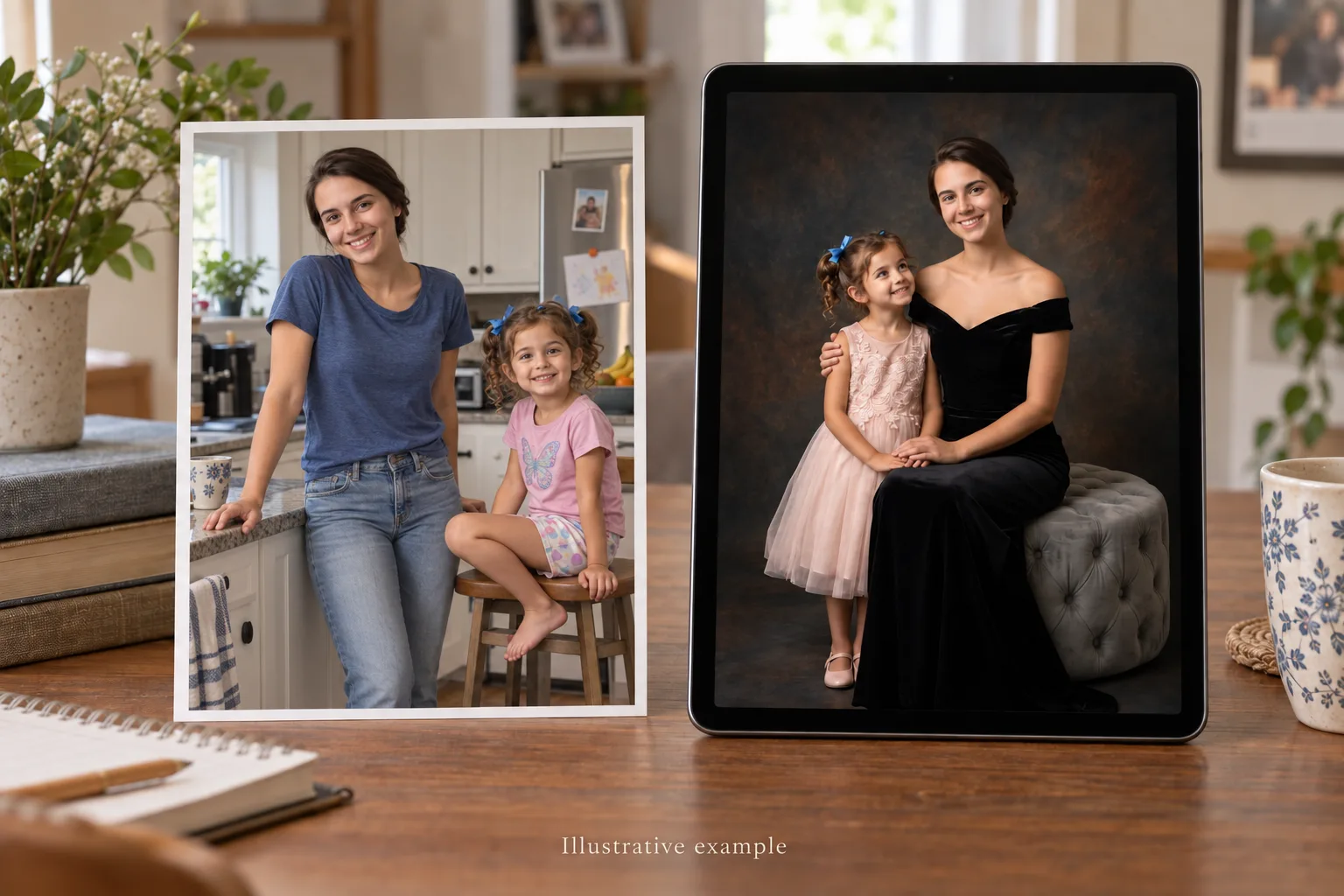
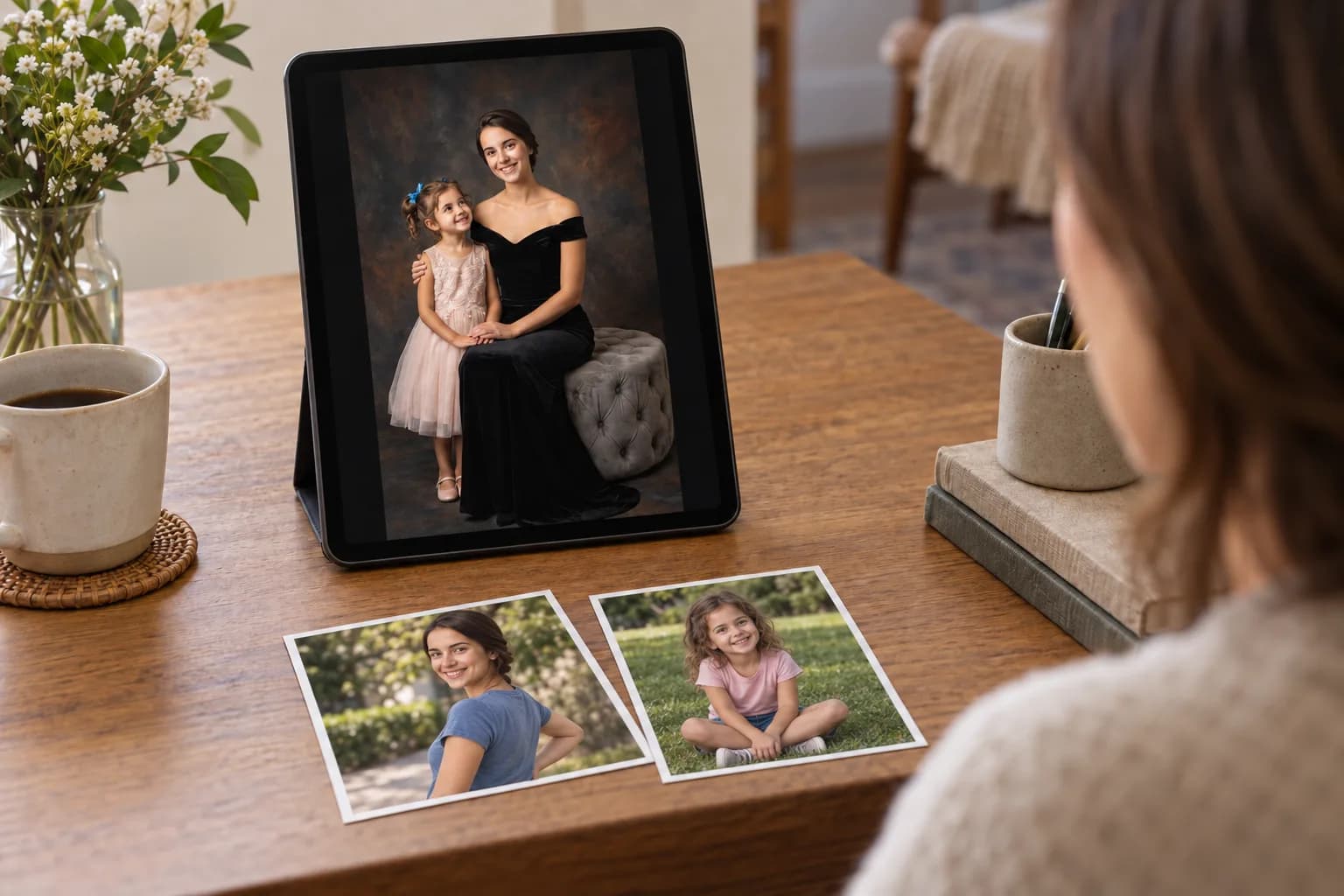
Yes. Start with one clear photograph of each person. The photographs do not need matching clothing, backgrounds, poses, or dates. Your free preview brings them into one composition so you can review likeness, spacing, wardrobe, and setting before you decide whether to order.
If everyone already appears clearly in one photograph, start there. A shared image helps preserve the natural height and closeness of the group, but it is not required. Separate photographs can become one family portrait when distance, timing, age, or loss made a shared photograph impossible.
Choose one strong photograph of each person. Similar camera angles are helpful, but clarity and likeness matter more. A relaxed phone photograph of one person can sit beside a formal photograph of another in the finished composition. The preview is where you can judge whether the group feels balanced and naturally connected.
If you have several possible images of one person, include the clearest one and keep the others nearby as references. One may show the face best while another preserves a characteristic smile, hairstyle, or detail you want the portrait to keep.
What the free preview can improve
Your source photographs provide the people. The free preview lets you see them in a more considered portrait before you pay. It can improve four parts of the presentation:
- Pose. People from casual or separate photographs can be arranged into a calmer, more connected group.
- Clothing. Everyday outfits can become a coordinated wardrobe suited to the portrait style you choose.
- Background. A distracting room, car seat, or crowded snapshot can give way to a setting that keeps attention on the family.
- Composition. Spacing, scale, and placement can be brought together so the portrait reads as one piece.
This is why a meaningful photograph can be more useful than a perfectly staged one. Choose the faces and expressions you want to keep, then use the preview to decide whether the finished arrangement feels true to your family.
Older and imperfect photographs
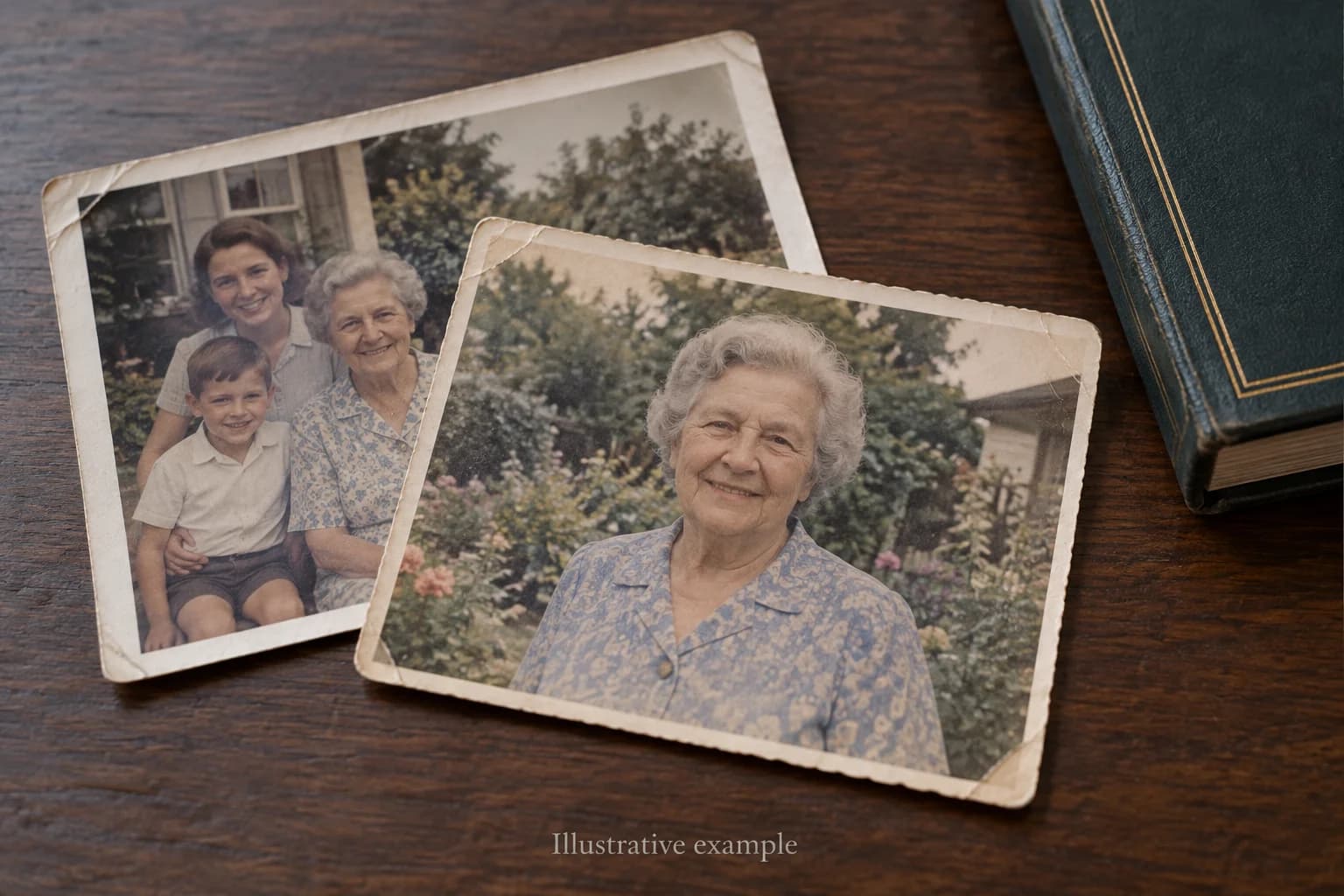
Sometimes the only photograph that matters is old, faded, softly focused, or taken before phone cameras kept every detail. Use the best version you have. If it is a print, scan it flat in even light or take a straight photograph without glare. Avoid heavy filters, sharpening, or screenshots that can hide the original facial detail.
A photograph with a partially hidden face or very little detail may offer less to work from. When there is another image of the same person, include it as a reference even if the expression is not the one you want. The free preview is the honest test. Look closely at the likeness before deciding to continue.
If you are gathering photographs of someone who has passed for a service, our guide to memorial picture boards and displays covers how to collect, scan, and arrange them.
How to review your family portrait preview
Begin with recognition. Does each face feel like the person you know? Then look at relationships. Does the spacing feel natural, are the heights and proportions believable, and does the group feel connected rather than simply placed beside one another?
Review clothing, hands, and small personal details after the likeness. Check that the background supports the family and that the composition will suit the place you have in mind. You do not need to choose a size or physical format until you have seen the portrait and know that the people feel right. Our portrait gallery can help you compare the balance and finish of completed examples.
From approved preview to finished portrait
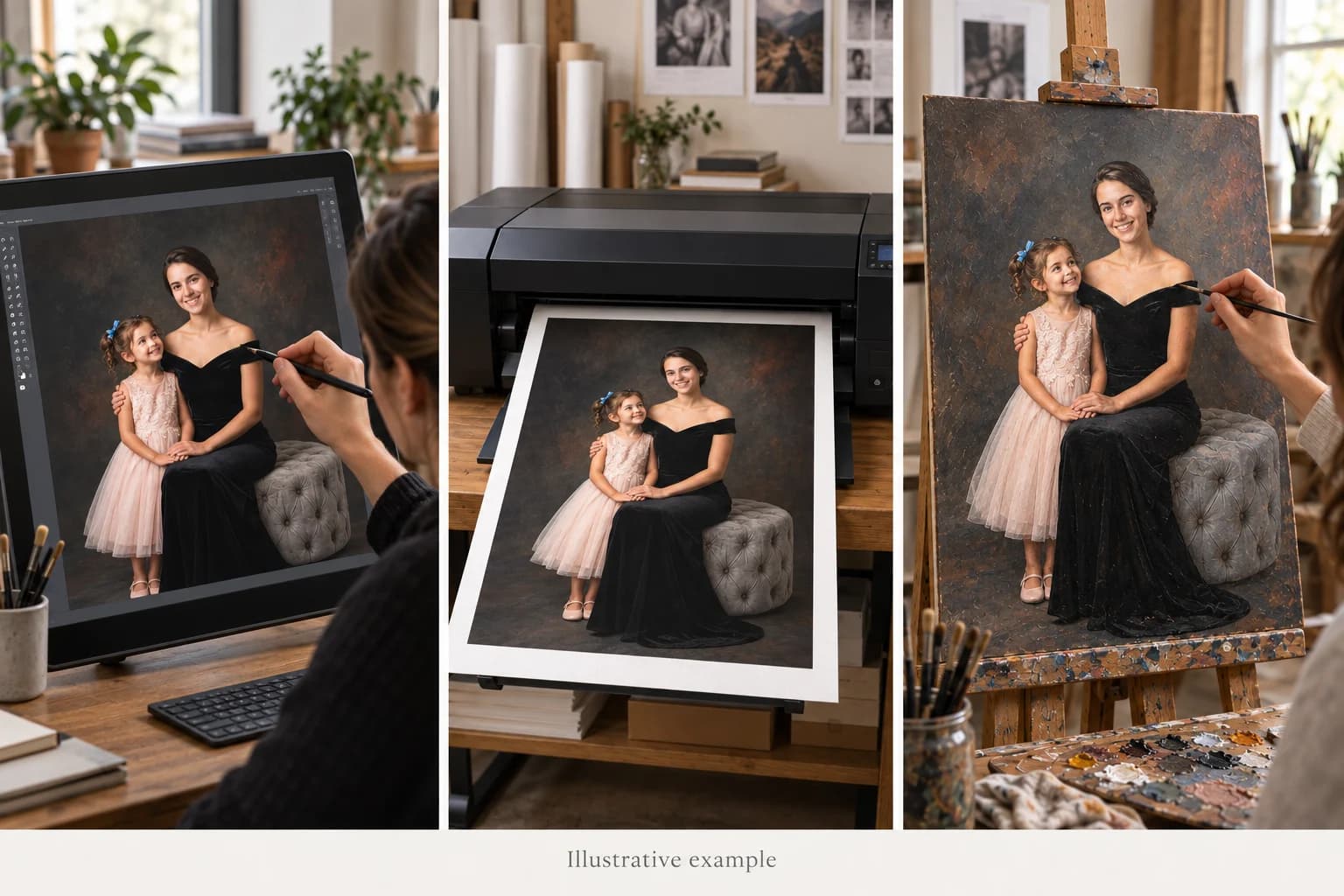
Once you approve the preview, choose how you want to keep it. A digital file preserves the finished artwork for your own use. For a gallery canvas or framed fine-art paper portrait, our artists retouch and add details, then produce it as a fine-art giclée print. For the premium oil option, an artist hand-paints the portrait in real oil on canvas.
Current formats, sizes, and prices are listed on our pricing page. Choose the medium after the preview, when you can judge what belongs on your wall. Our frequently asked questions explain the preview, ordering, and delivery process in more detail.
To compare the picture sizes and allow for a mat and frame, read our portrait print size guide. Consider how clearly each face will read from the place you usually sit.
You can also read what makes a portrait an heirloom or explore family portrait gifts for Christmas.
Start with the photographs you have
They do not need to share a background, an outfit, or even the same day. Choose the faces you want to keep, then see how they come together in your free preview.